In this article
The short version
- Display collectibles as if in an art gallery: quality frames for artwork and protective cases for action figures.
- Less is more: choose a focus piece or feature wall, and rotate your items on a regular basis.
- Make one piece of overt geek stand out, then sneak in covert touches like a cape on a coat rack.
- For a PC or console, start with an insulated range: Garden Buildings are uninsulated and unwired as standard.
- Count every plug: the Garden Room electrics pack has two double sockets, so ask for more where your kit sits.
Has your 12-year-old child turned around to you lately and confessed to an inner desire to design and build their own Man Cave or even the rising subspecies that is the Geek Cave? This very thing happened to me this weekend.
And although I was riotously amused and may have burst forth with an ominous ‘muhahahahahahahaaa’, moments later I was overcome with pride that my pre-teenage son has gotten in touch with his inner interior designer at such a tender age.
Any time he spends off his console and creatively thinking in another manner is good with me. So I’ve encouraged him to get some design ideas down on paper and plant his geek flag down in the spare box room, which is currently a dumping ground.
So we’ve agreed on four ground rules for creating the delicate decor of a burgeoning adult man cave or geek cave as some will be wont to call it. Do you agree? Let us know if you think these tips prove useful for creating a geek space in your home.
Create a clean look
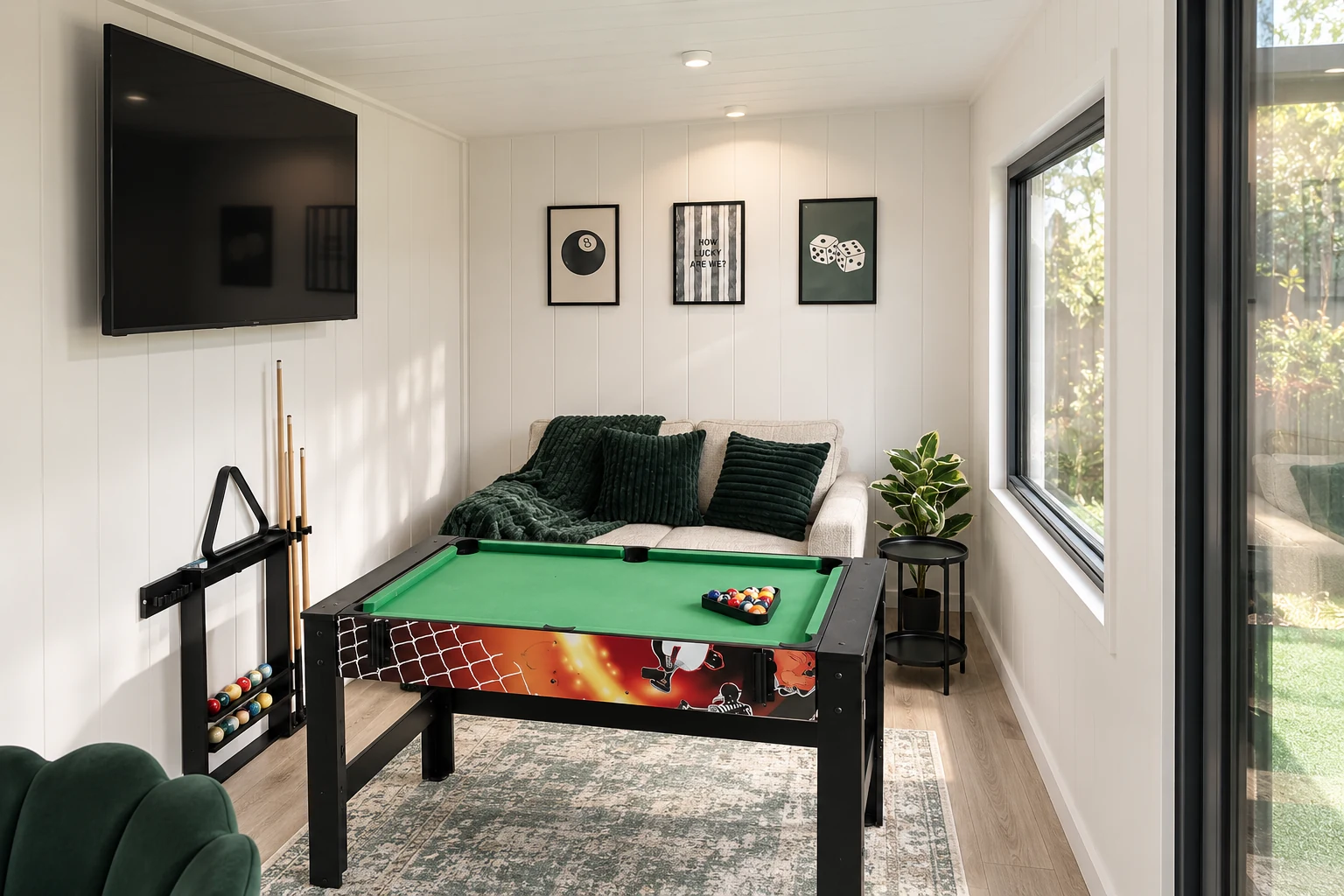
We all know that that rare 1979 tri-logo Boba Fett with unpainted knee is your pride and joy, so you should take the care to display it as if it were in an art gallery. So please avoid pushing pins into the wall for putting posters on the walls. Source quality frames for your artwork and procure a protective and stylish case for your action figures and collectibles.
Get some plastic sleeves for your first run and number 1 comic books. Treat your gadgets, gizmos and artwork with the respect they deserve. They’ll look better when displayed and as a Brucie bonus, they’ll stay safe.
Don’t be a hoarder
When you’re decorating, less is more. For your artwork and collections, choose a focus piece or feature wall: it’s a more sophisticated approach. You can always rotate out your items on a regular basis. And there’s nothing chic about hoarding.
More often than not, most of us will need to fit somewhere to sleep into the mix. But geeky duvet covers for boys’ single beds can really brighten up a room. But that ties us in neatly to our next golden rule…
Integrate some covert geek
In the wider landscape of the geek chic room, there is space and necessity for both overt and covert geek. Let’s consider this example: everyone will notice the coffee table that looks like a Guardians of the Galaxy Awesome Mix Tape cassette. So make that one magnificent piece of geekery stand out as a unique design element in the room.
But you can and should also incorporate some covert geek into the room. How about an item from your favourite cosplay outfit? Be it your Deadpool mask or Batman cowl.
How about hanging that off the bookshelf to add a nice subtle touch? Most of us self-confessed geeks will own costume pieces, so sneak them into the room by hanging your cape on a coat rack or placing your Clark Kent goggles on your bookshelf. There are plenty of ways to incorporate signs of chic geekdom into your room, and it will be fun to get creative with these “easter eggs.”
Keep it classy
As a card-carrying member of the geek community, you share a duty to combat those decades of negative stereotypes, which have been thrust upon us. This includes the disparaging notion that all geeks are messy by nature.
So, whatever you choose to do with your new geek or man cave, please, please keep it tidy. Dust your artwork every once in a while. Shine up your Cookie Monster jar once a week. Hoover the Chewbacca rug. Clean geeks are chic geeks.
by Carlton Whitfield.
Choose a building that suits electronics
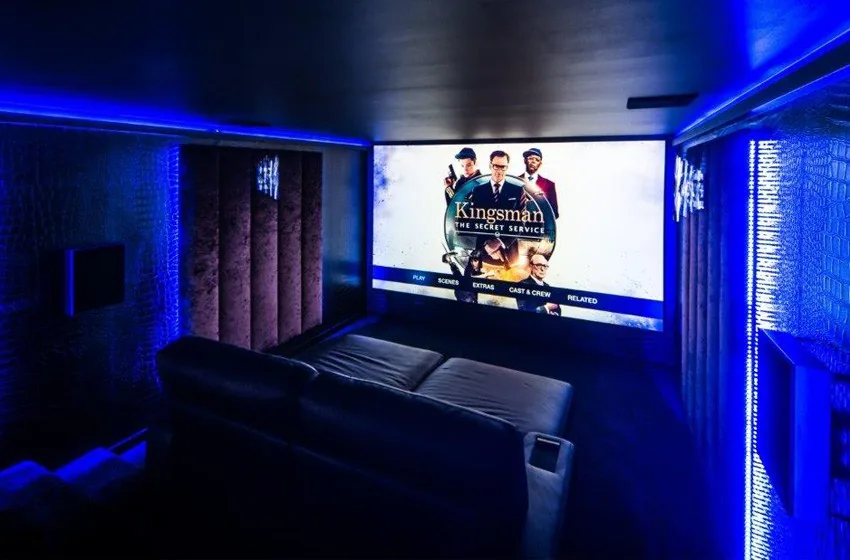
Electronics cope with a cool room far better than a damp one, and condensation is what an unheated, uninsulated building produces on a winter night. So start with an insulated range. Our Garden Buildings are uninsulated and unwired as standard and are best used from April to October, so they are not the place for a PC or a console.
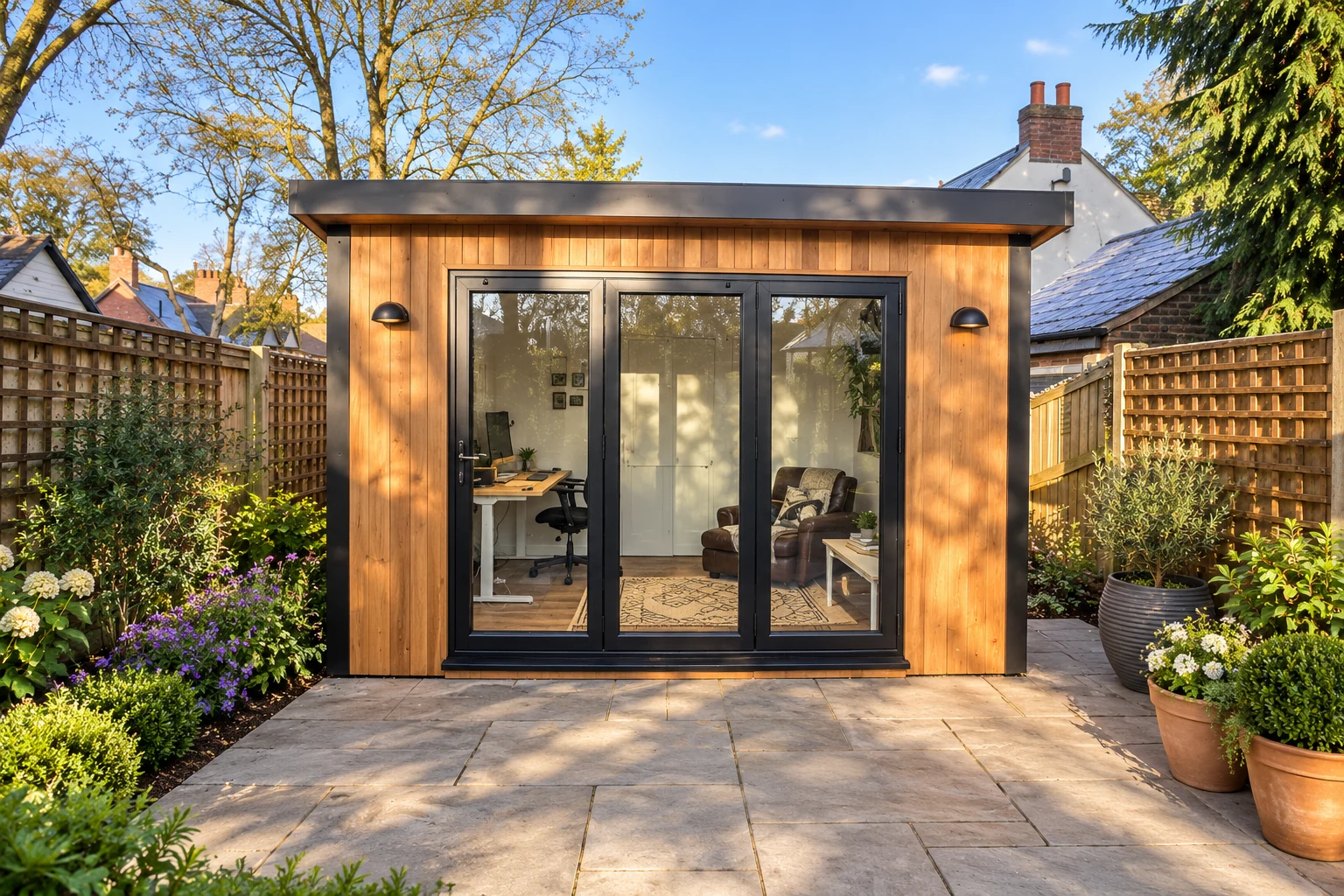
- Garden Rooms are our usual recommendation: PIR insulation in the walls, roof and floor, and the electrics pack included. Air con, heating, soundproofing and partition walls are all options.
- A Garden Pod is our most cost-effective insulated building, up to 20 × 10ft. Electrics are an optional upgrade, and a hard-wired internet link can be quoted, as on every range. A Pod suits a console snug or a single desk.
- Signature is our premium, turnkey range: SIPS to new-build U-values, premium electrics and lighting, and the foundation laid by us, with one point of contact.
Plan the power before the build
Our Garden Room electrics pack includes wiring, a fuse board, a light switch, two double sockets and four spotlights. That is four plugs, and a gaming PC with two monitors, speakers and a desk lamp needs five before you reach the TV. Count everything, decide where it sits, and ask for sockets in those places when you design the room.
| Where | What plugs in | What to ask for |
|---|---|---|
| Desk | PC, monitors, speakers, lamp and chargers | Double sockets above the desk and a data point |
| TV wall | TV, console, soundbar and streaming box | Double sockets behind the screen and a data point |
| Seating | Phone and controller chargers, a lamp | A socket within reach of the sofa |
| High on a wall | Mesh Wi-Fi unit or wireless access point | A socket or data point near the ceiling |
| Heating and cooling | Heater or air con unit | Its own supply, as your electrician advises |
Expensive kit is worth protecting, so ask your electrician about surge protection when the room is wired. Electrical work on our rooms is carried out through qualified electrical contractors, and connection to the house supply is quoted separately after a site survey unless your quotation says otherwise. See electrics and connections.
Get a wired connection to the house
Wi-Fi from the house has to pass through an outside wall, across the garden and into the garden room, and for online gaming a weak or patchy signal shows up as lag. A cable is the dependable answer.
- Ethernet from the router. An outdoor-rated cable in a duct from the house to the room gives a full-speed, low-latency link. If a trench is being dug for the power cable, ask about laying a data duct at the same time; your electrician will advise on keeping data and power apart.
- Mesh Wi-Fi. One unit near the garden side of the house and one in the room, ideally linked by cable.
- A wireless bridge. A pair of outdoor point-to-point units, one on the house and one on the room, with a clear line of sight between them.
- Powerline adapters. Simple to try, but results vary from house to house, so treat them as a fallback.
Inside the room, a small network switch at the desk and another behind the TV give every device its own cable. Hard-wired internet can be quoted on every range, Garden Pods included: tick it when you design the room and we price it on your call. See Wi-Fi and connectivity.
Sources: Electrical Safety First: overloading sockets; GOV.UK: Approved Document P, electrical safety in dwellings; Planning Portal: outbuildings.